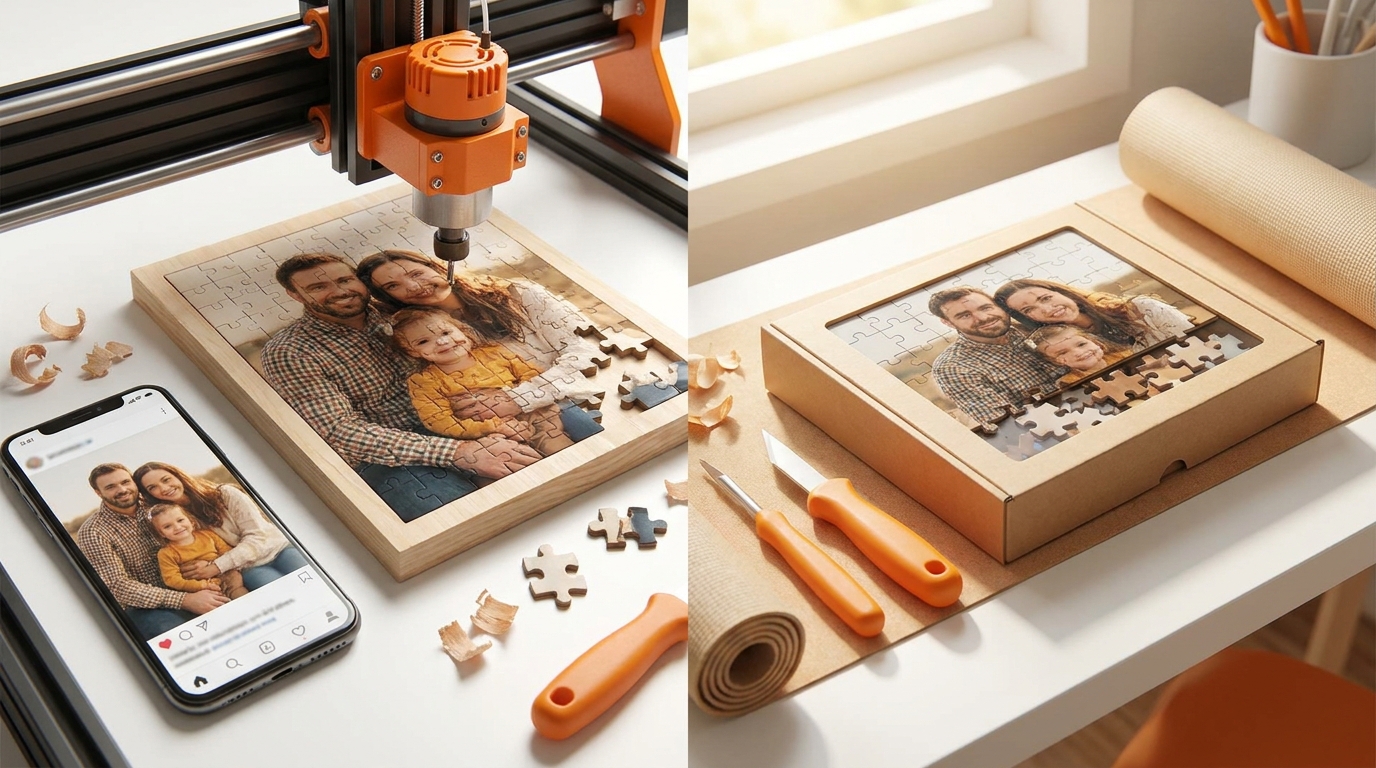
There are three genuinely different ways to do this, and they suit different people. The confusing part is that search results mix all three together as though they were the same task.
Option 1 · Print and cut it yourself
Good for: a one-off for a child, a puzzle with a shape you cannot buy, or when you want the making to be the activity.
Print the photo at the size you want, spray-mount it onto 2 mm greyboard or thin plywood, leave it under weight overnight, then cut it with a craft knife or a scroll saw.
The honest limitations: hand-cut pieces do not interlock the way die-cut ones do, so the puzzle slides apart when you move it. Cutting more than about 50 pieces by hand is genuinely tedious. And a craft knife will not give you the T-shaped tabs that make pieces hold — you need a scroll saw and some practice for that.
Option 2 · Order a printed personalised puzzle
Good for: a gift, anything above 100 pieces, anything you want to keep.
You upload a photo, choose a piece count, and it is printed, laminated, die-cut and posted. This is the only option that produces a puzzle indistinguishable from a shop-bought one, because it uses the same steel-rule dies — the process is described in how jigsaw puzzles are made.
The thing to check before ordering anywhere: does the service verify your photo's resolution? Many do not. They will happily print a 2 MP phone screenshot at 1000 pieces, and the result is soft and slightly mushy at every cut edge. You will not find out until the box arrives.
Option 3 · Make a digital puzzle you can play
Good for: trying a photo before committing, playing with someone remotely, or just free.
Upload an image and it is cut into draggable pieces in the browser. No printing, no cost, and you can do it as many times as you like.
This is the option most people should start with even if they want a printed puzzle, because it answers the question that actually matters: is this photo any good as a puzzle? You can find out in five minutes rather than after a week of shipping.
How we do it
We built all three ideas into one flow, because they are stages of the same decision rather than alternatives:
- Upload a photo. Location data is stripped immediately. We check the resolution
and tell you the largest piece count it will carry — we refuse anything that would print below 150 DPI at your chosen size, and we never upscale by more than 2×.
- Pick 100, 300, 500 or 1000 pieces and play it in your browser, free, with no account. Share
a link and someone else can move pieces on the same board at the same time.
- Order the printed one if you want it, and only then. Same photo, same piece count, die-cut
and posted.
You can stop after step 2 permanently. The playing is not a demo or a trial — it is free.
What to check before you start
Use the original file, not a screenshot and not the copy that came through a messaging app; both are recompressed and lose the resolution you need. Roughly, 12 MP is comfortable for 500 pieces and 16 MP for 1000. Full detail in which photos work as a puzzle.
Read next
- Missing Jigsaw Puzzle Piece: What to Do When One Is GoneSearch the house methodically, then decide: manufacturer replacement, custom piece, recycle, or start again with a photo puzzle you control end to end.
- How to Solve a Jigsaw Puzzle Faster (Without Cheating)Edge-first is only step one. A clear method for sorting, building sections, and finishing faster — including photo puzzles where colour blocks matter more than box art.
- Benefits of Jigsaw Puzzles: What They Actually Do for Your BrainWhy jigsaw puzzles help focus, stress, and shared time — honest benefits without miracle claims, plus when a photo puzzle is the better choice.